Routines
Run the Agent on a schedule
A routine is a saved Agent prompt that runs on a cadence and produces a brief. Use routines for the reviews you already do by hand: morning planning, end-of-day cleanup, weekly team check-ins, and recurring client updates.
Where routines live
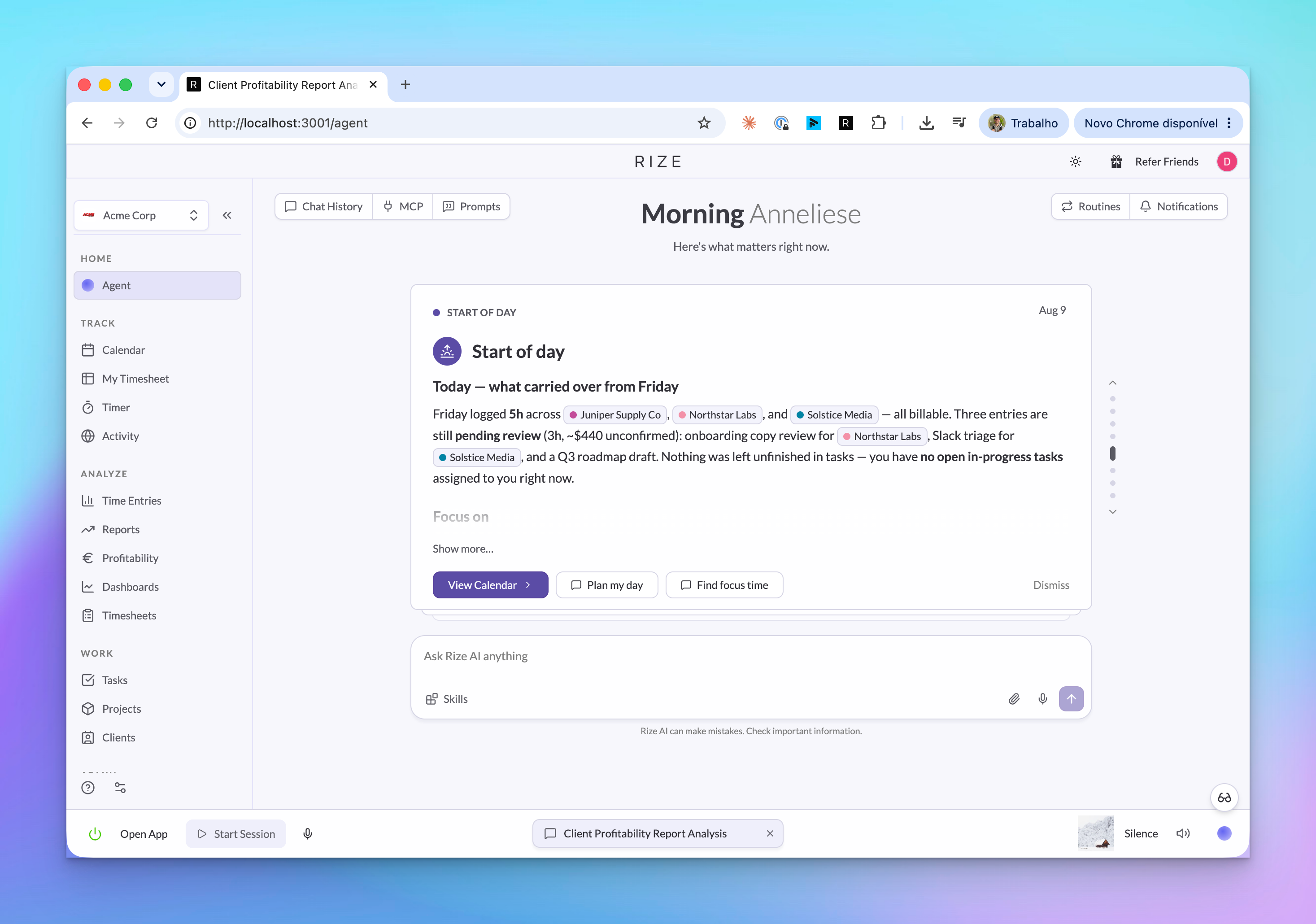
Routines live under Agent > Routines. The page shows each routine, whether it is active, when it last ran, and recent runs.
Use New Routine to open the template gallery. Pick a template when the workflow is common, or start from scratch when you want Rize to answer a specific recurring question.
Create a routine
Pick a template
Start with a preset such as Start of Day Prep, Midday Check-In, End of Day Review, or Tag Review. Templates prefill the prompt and schedule, but you can edit both.
Review the prompt
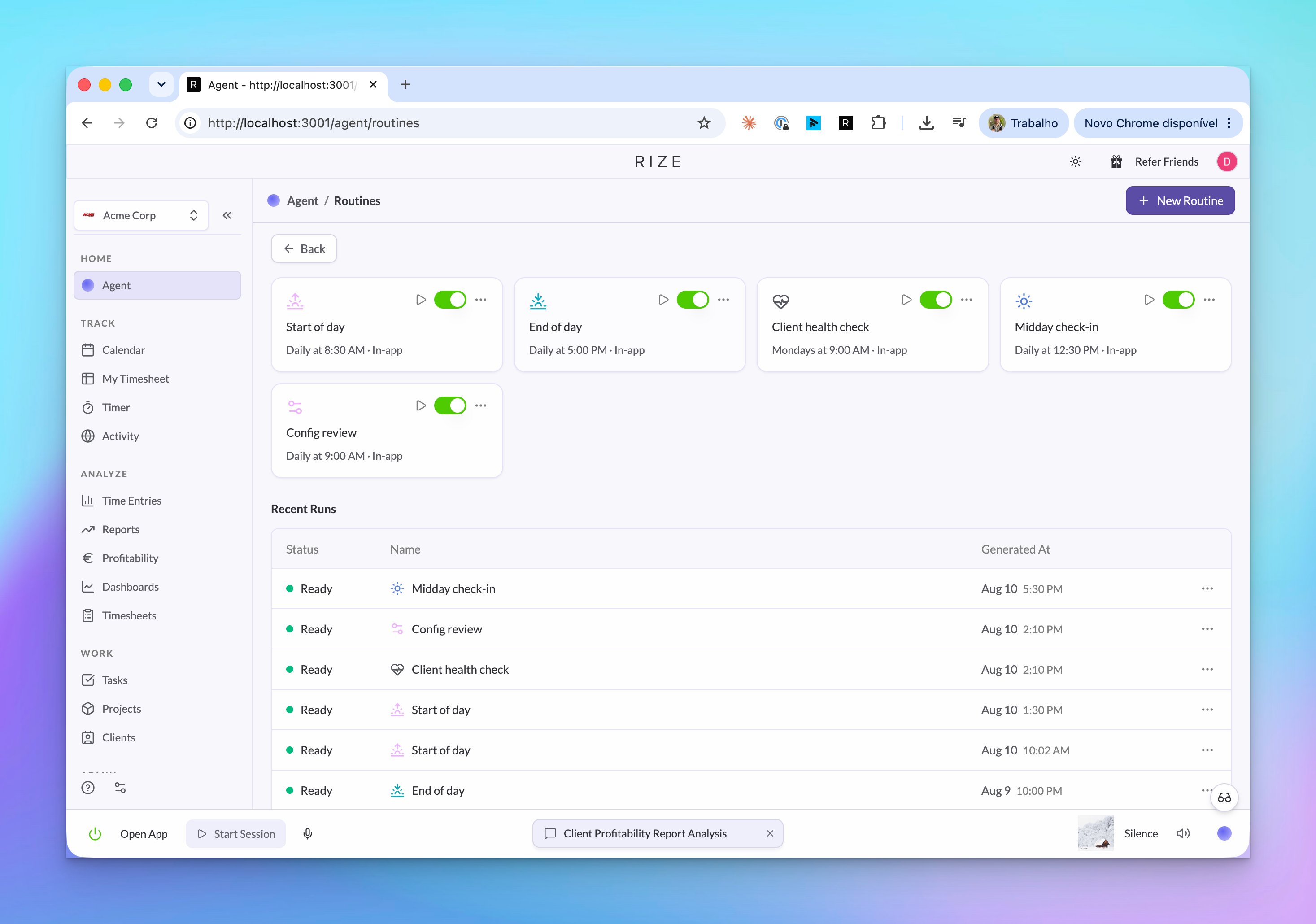
Tell Rize what to analyze, what period to use, and what kind of brief to produce. You can reference saved Skills when the routine should follow a team rule or client-specific instruction.
Set the schedule
Choose the cadence, run time, and timezone. A daily routine can prepare a same-day brief; a weekly routine can summarize the previous week.
Choose delivery
Send the finished brief by in-app notification, email, Slack, or any combination your workspace has connected.
What a brief contains
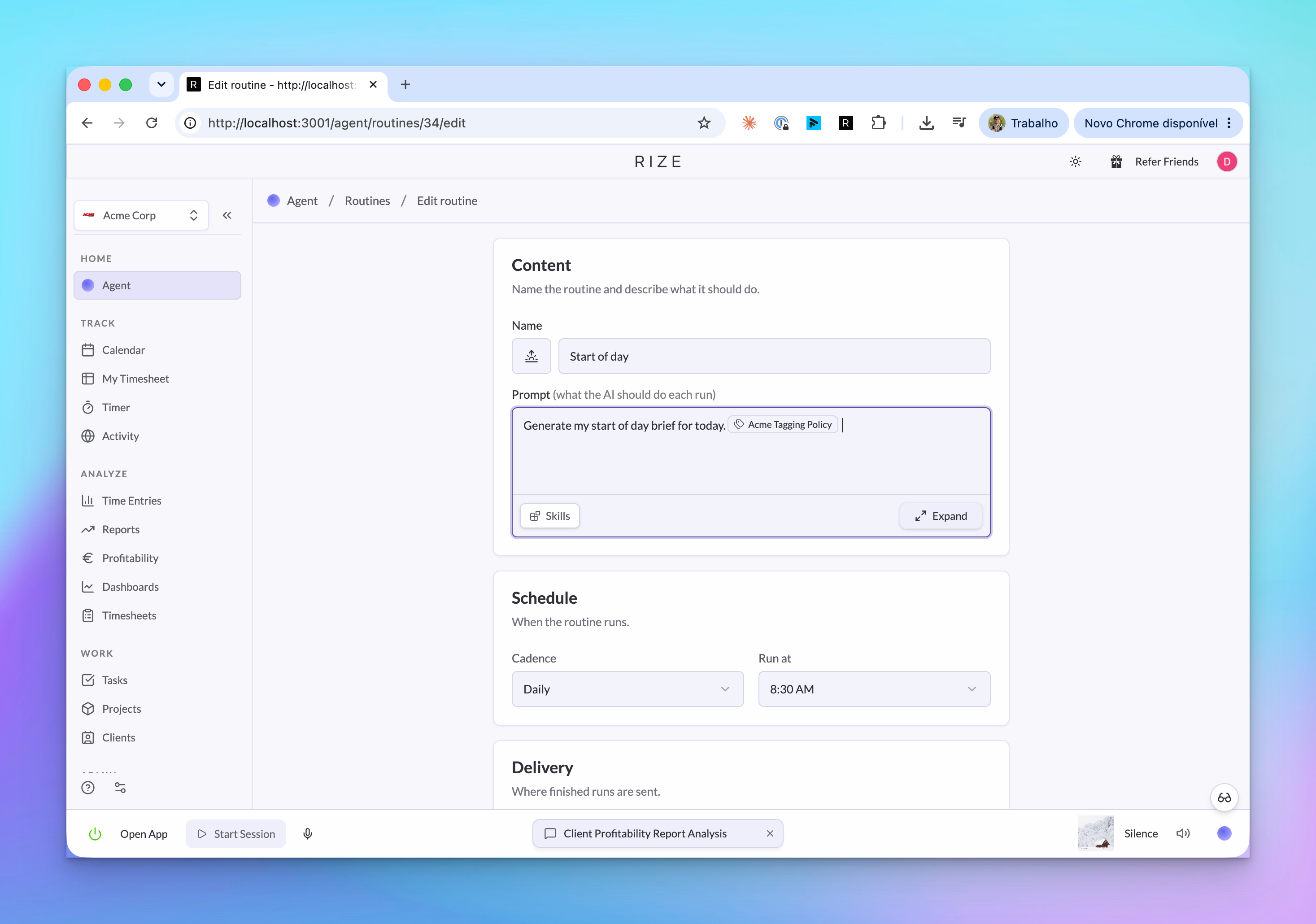
A routine run produces a brief: a written result saved to Rize with the routine, run time, status, and markdown body.
For a Start of Day Prep routine, the brief can look at yesterday's work, today's calendar, open tasks, and recent patterns. For an End of Day Review, it can call out entries that need cleanup before the day is closed.
Chat with a routine result
Open a finished run when you need details behind the brief. From there, start a chat with the Agent using the run as context.
The Agent keeps the routine's prompt, period, and result attached, so follow-ups can be short:
- "Which meetings are causing the schedule risk?"
- "Turn this into a Slack update for the team."
- "Show the time entries behind the Acme recommendation."
Use Skills for repeatable instructions
Skills make routines more consistent. Instead of pasting a long policy into every routine, save it once in Settings > Agent, then reference it from the routine prompt.
Good examples:
- A client tagging policy.
- A weekly team review format.
- A rule for what counts as billable.
- A manager's preferred morning brief structure.
Personal Skills are private to you. Team and workspace Skills can be reused by teammates and by external agents through the Rize MCP server.
API and MCP access
Routine runs are readable from outside Rize. MCP clients use list_routine_runs and get_routine_run; API clients use routineRuns and routineRun.
This is useful when another assistant should consume the finished brief instead of re-running the same analysis from raw time entries.