Configuring Focus Apps and Websites
Focus time comes from apps and websites whose rules have Focus turned on. New rules count as focus by default.
Set an app or website to Focus
Open Settings > App & Website Rules, edit an app or website, and check Focus under Sessions. The rule says, Spending significant time in this app will start focus time. For a website, the UI says “on this website.” Focus is unavailable while Meeting is checked.
You can also click an app or website in the timeline activity dialog to open its rule. The rule can detect idle time and can control blocking during focus sessions.
Exclude an app or website from focus time
Open Settings > Focus and use Non-Focus Apps & Websites. All apps and websites count as focus time by default, except the ones listed there. Meetings and breaks are automatically excluded.
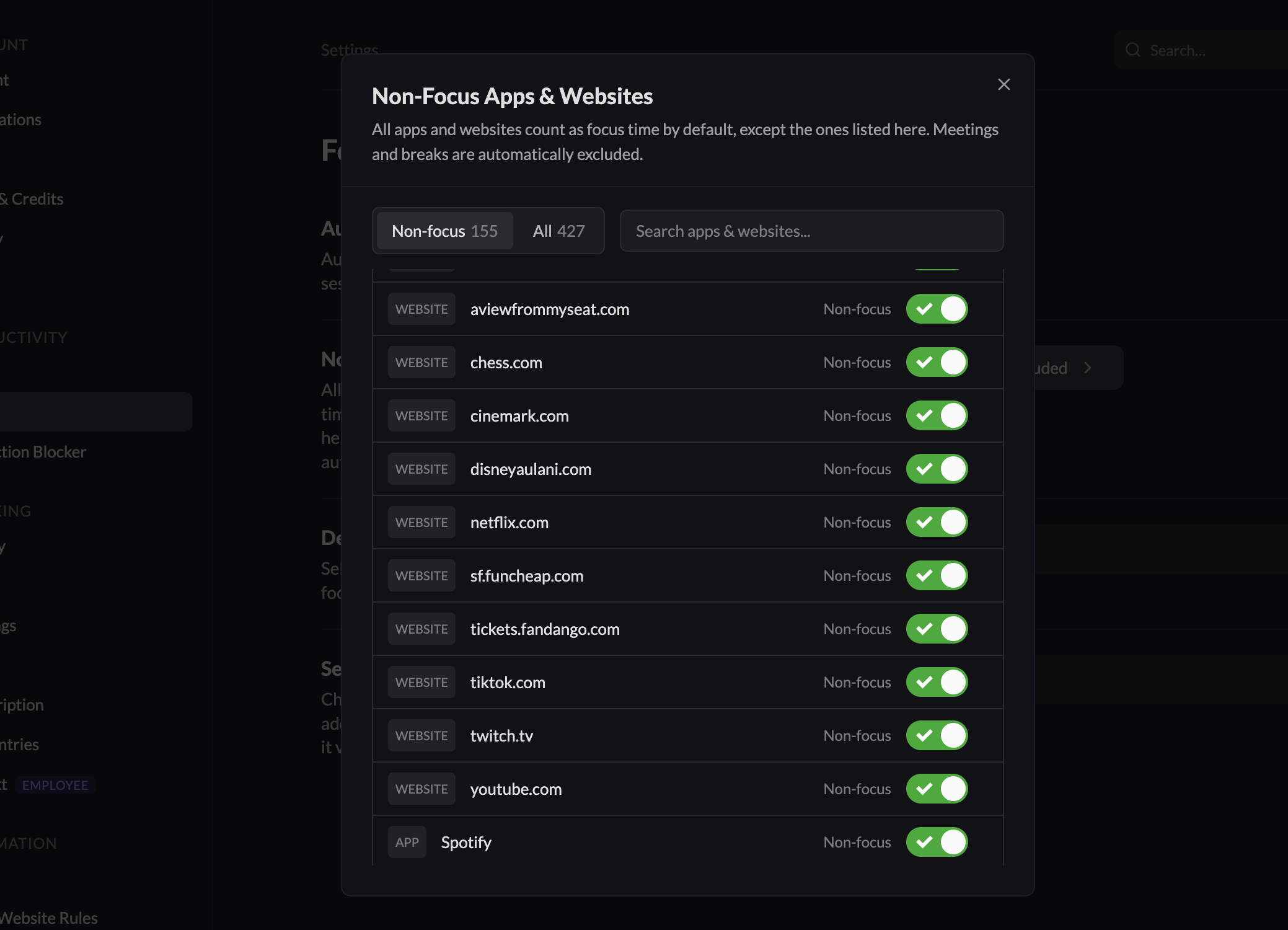
The managed list lets you move a rule between the apps that count toward focus and the apps that do not. You can also edit the rule directly in Settings > App & Website Rules.