Creating and Editing Rules
Create a rule when an app, website, URL, or window-title pattern needs behavior that differs from the default.
Create a rule from activity
- Open Settings > App & Website Rules and click New Rule.
- Select From Your Activity.
- Choose the app or website from your activity.
- Add an optional window-title keyword.
- Set the behavior toggles.
- Click Save.
Create a rule from a custom URL
- Open Settings > App & Website Rules and click New Rule.
- Select Custom URL.
- Enter the full or partial URL, such as
https://x.com/messages. - Add optional window-title keywords.
- Set the behavior toggles.
- Click Save.
Create a rule from an app name
- Open Settings > App & Website Rules and click New Rule.
- Select App Name.
- Choose macOS or Windows.
- Enter the app name exactly as it appears in your activity, such as
Google Chrome. - Add optional window-title keywords.
- Set the behavior toggles.
- Click Save.
Edit a rule
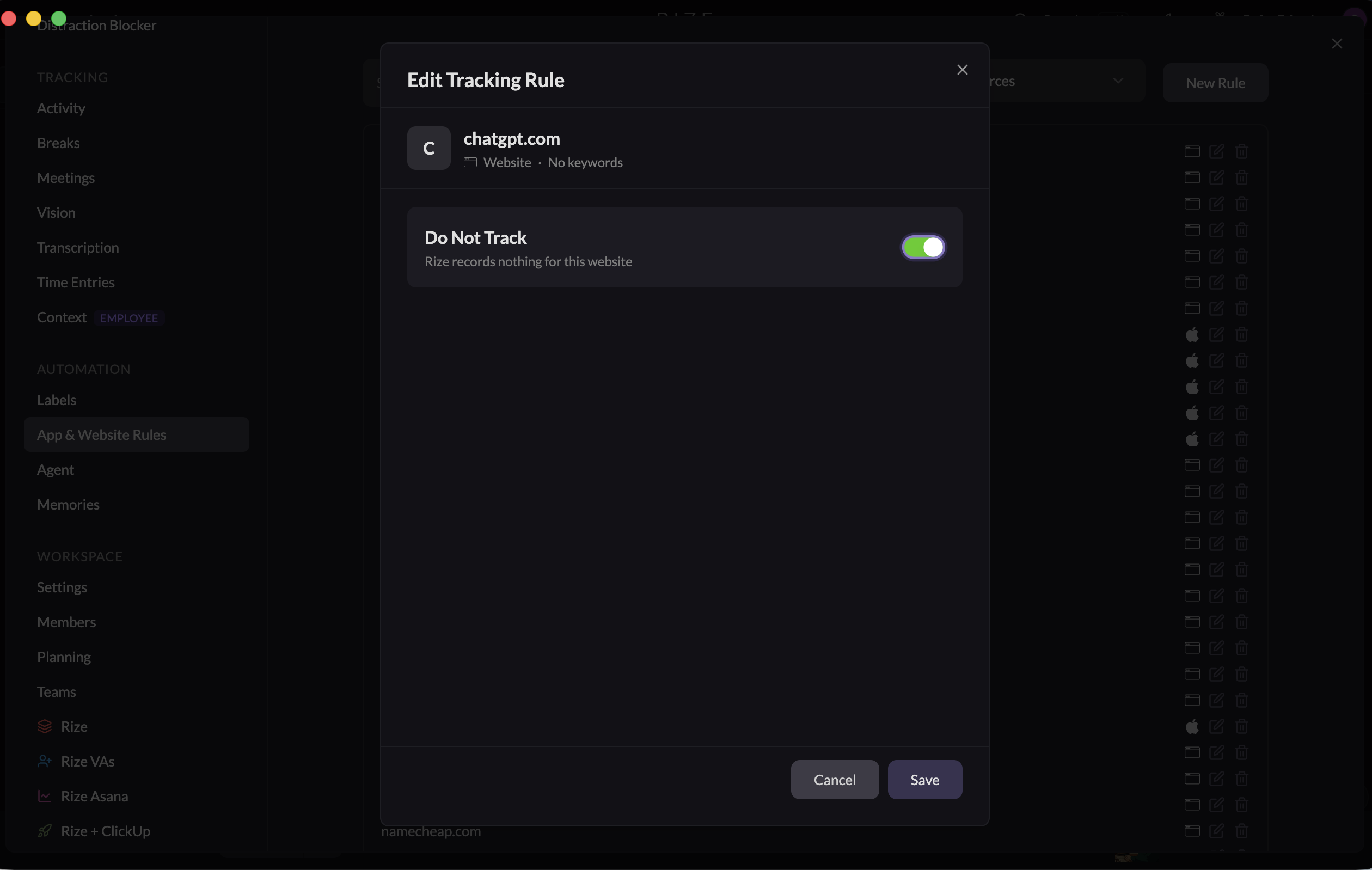
Open Settings > App & Website Rules, find the rule, and choose Edit. You can change whether it counts as focus or meeting time, idle handling, blocking periods, window title tracking, and website URL settings.
Turn on Do Not Track when you want Rize to record nothing for the app or website. Turn it off later to track the app or website again.
Delete a rule
To disable a rule without deleting it, edit the rule and turn on Do Not Track. Rize records nothing for that app or website until you turn it off again.
To remove the custom behavior, open the rule's actions menu and choose Delete. The app or website returns to its default behavior until you create another rule.