Profitability Overview
Profitability is where accurate time data turns into business insight
Rize helps team admins understand whether time is profitable by combining tracked work, billable settings, client billing models, and member cost rates. If you run an agency, services team, or client-facing operation, this is one of the highest-value parts of the product.
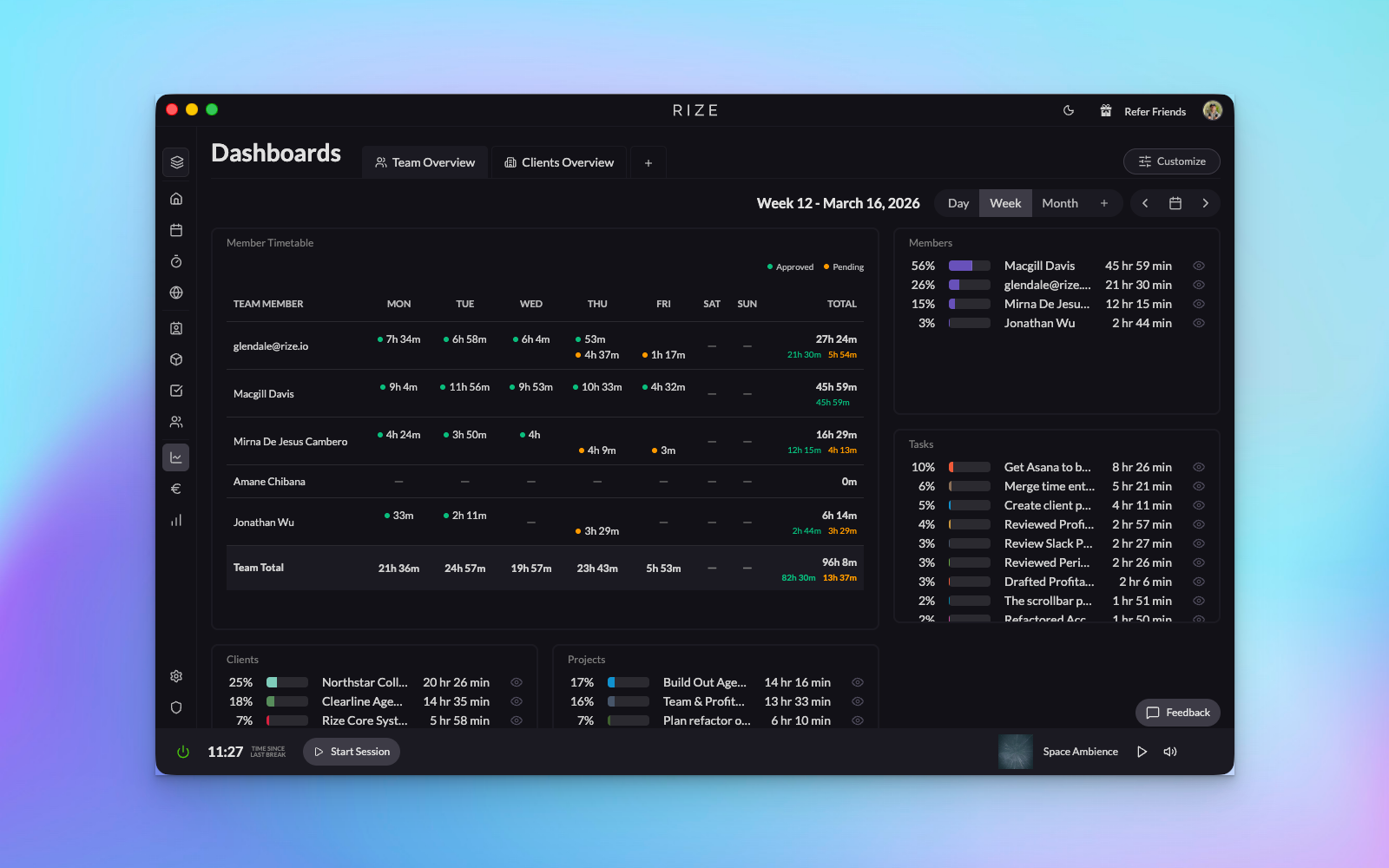
How Profitability Works
Profitability in Rize is calculated using three core components:
- Revenue: Money earned from billable work
- Cost: Money spent on labor (based on team member cost rates)
- Profit: Revenue minus cost
Profit = Revenue - Cost
Billing Types
Rize supports three billing types, each with different revenue calculation methods:
Hourly Billing
Clients are billed based on the number of hours worked multiplied by an hourly rate. This is the most straightforward billing method.
Example: If you work 10 hours at $100/hour, revenue = $1,000
Retainer Billing
Clients pay a fixed monthly amount regardless of hours worked. Revenue is recognized daily based on the retainer amount divided by the number of days in the billing period.
Example: A $3,000 monthly retainer = approximately $100/day in revenue
Hybrid Billing
Clients pay a fixed monthly retainer plus an hourly rate for hours worked beyond an included amount. This combines the predictability of retainers with the flexibility of hourly billing for overage.
Example: $2,000/month retainer with 20 hours included, then $150/hour for additional hours
What Gets Tracked
Rize automatically tracks profitability at multiple levels:
- Team Overview: Overall profitability across all clients
- Client Level: Profitability for each individual client
- Project Level: Profitability for specific projects
- Member Level: Profitability contribution by team member
What you need before profitability is trustworthy
A clean workspace structure
Clients, projects, and tasks should already reflect the way your team actually works.
Reliable tagging
If time is landing on the wrong client or project, profitability will also be wrong. Accuracy comes first.
Rates and costs
Billing rates, retainers, and member cost rates must be set up correctly or the financial picture will be distorted.
Consistent review habits
Teams that review time daily get much more useful downstream reporting than teams that bulk-fix time later.
Daily Statistics
Rize calculates profitability statistics daily, ensuring you always have up-to-date information. These statistics are automatically updated:
- When time entries are created or modified
- When billing rates change
- When retainers are created or updated
- Through a daily background job that ensures retainer revenue is recognized even on days without time entries
Recommended setup order
Create the workspace and members
Start with a workspace that reflects your actual delivery team and assign the correct roles.
Set up clients, projects, and billing model
Choose hourly, retainer, or hybrid billing based on the real commercial relationship for each client.
Add rates and costs
Set billing rates and cost rates so Rize can calculate both revenue and labor cost accurately.
Stabilize tagging quality
Use integrations, rules, and inbox review until time consistently lands on the right entities.
Review dashboards and profitability regularly
Once the foundation is clean, use dashboards and profitability reports for budget, utilization, and client health decisions.
Teams often try to use profitability before the tagging workflow is mature. If the inputs are messy, the margins will be misleading. Clean tagging comes first.
Next Steps
- Learn about Billing Types in detail
- Understand how to Set Up Retainers
- Explore Profitability Metrics
- View Profitability Reports
- Turn tracked time into Invoices
- Plan capacity against tracked hours in Resourcing