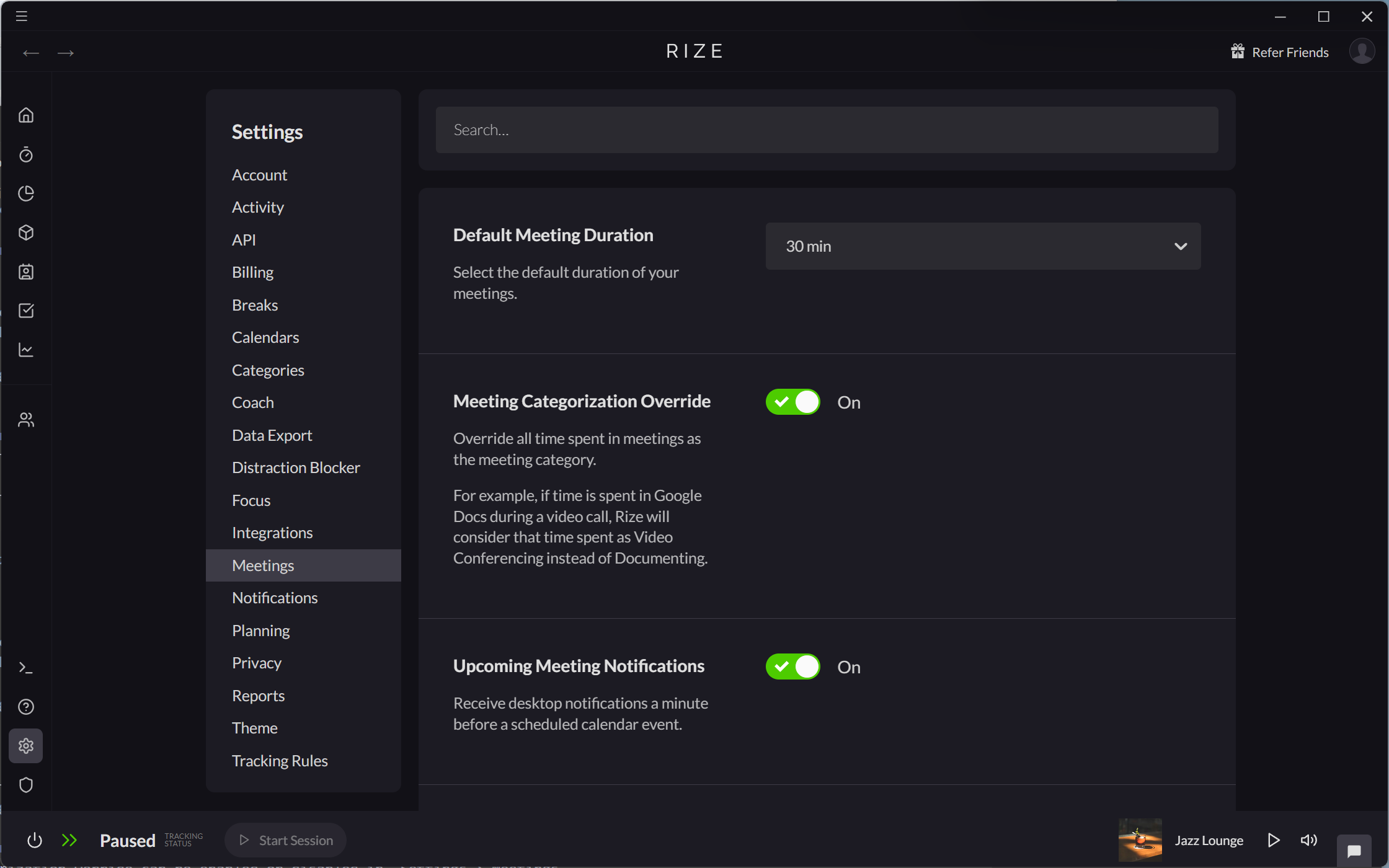
Configuring Meeting Sessions
Rize's Meeting Session settings control how Rize detects and records collaborative time.
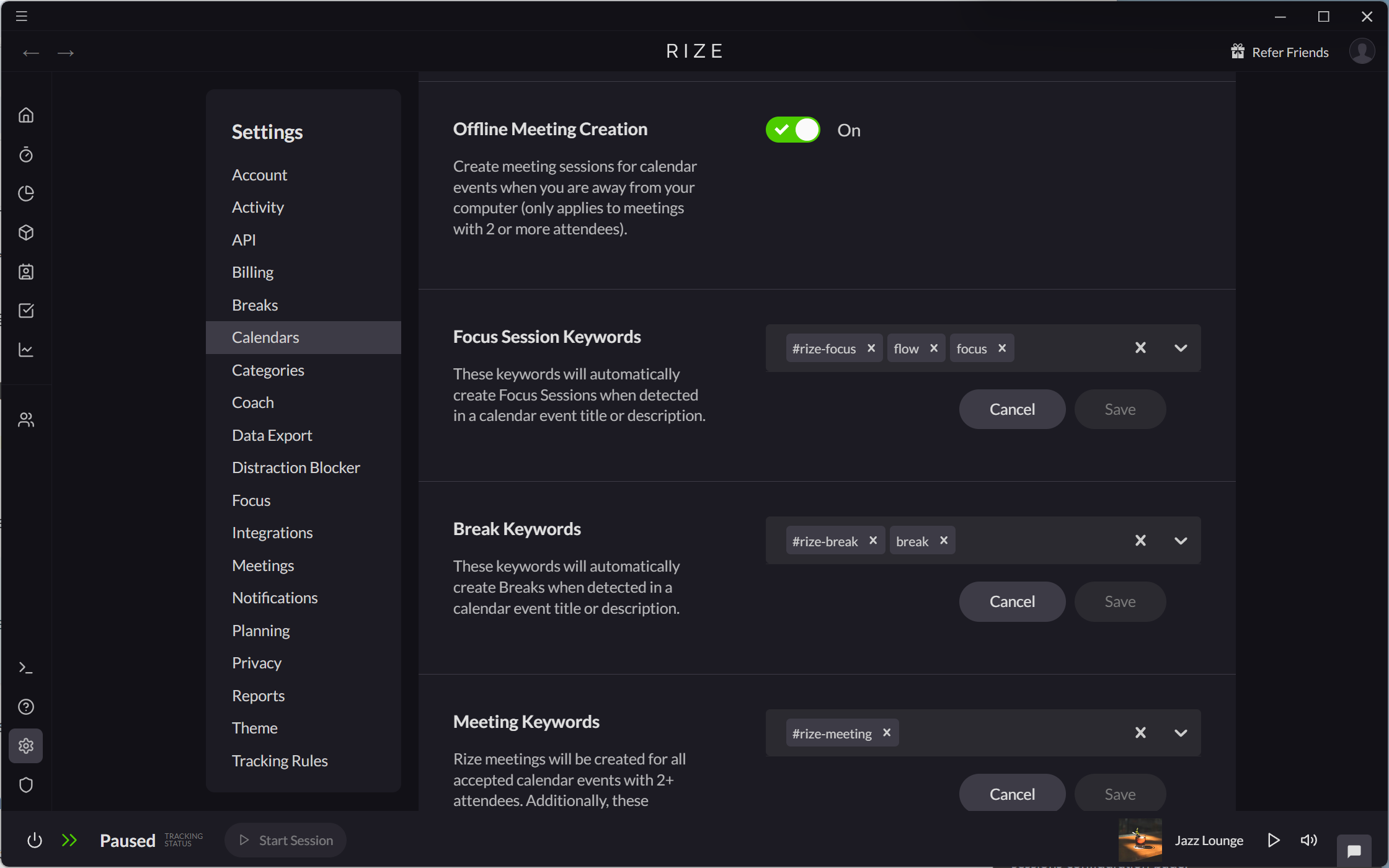
Enabling or Disabling Offline Meeting Creation
If Offline Meeting Creation is enabled, Rize will create a Meeting Session when the following conditions occur:
- You have a confirmed calendar meeting with 2 or more attendees, and
- Rize detects no activity on your computer during the scheduled meeting time.
Offline Meeting Creation can be enabled or disabled in Settings > Calendars.
Setting Default Meeting Duration
Default Meeting Duration can be changed in Settings > Meetings.
Workspaces still on categories
Until your workspace migrates to Labels and App & Website Rules, two category settings remain:
- Meeting Categorization rules in Settings > Calendars match keywords in a calendar event title or description and apply a category to the meeting.
- Meeting Categorization Override in Settings > Meetings attributes all time spent in a meeting to the meeting category, so time in Google Docs during a video call counts as Video Conferencing.