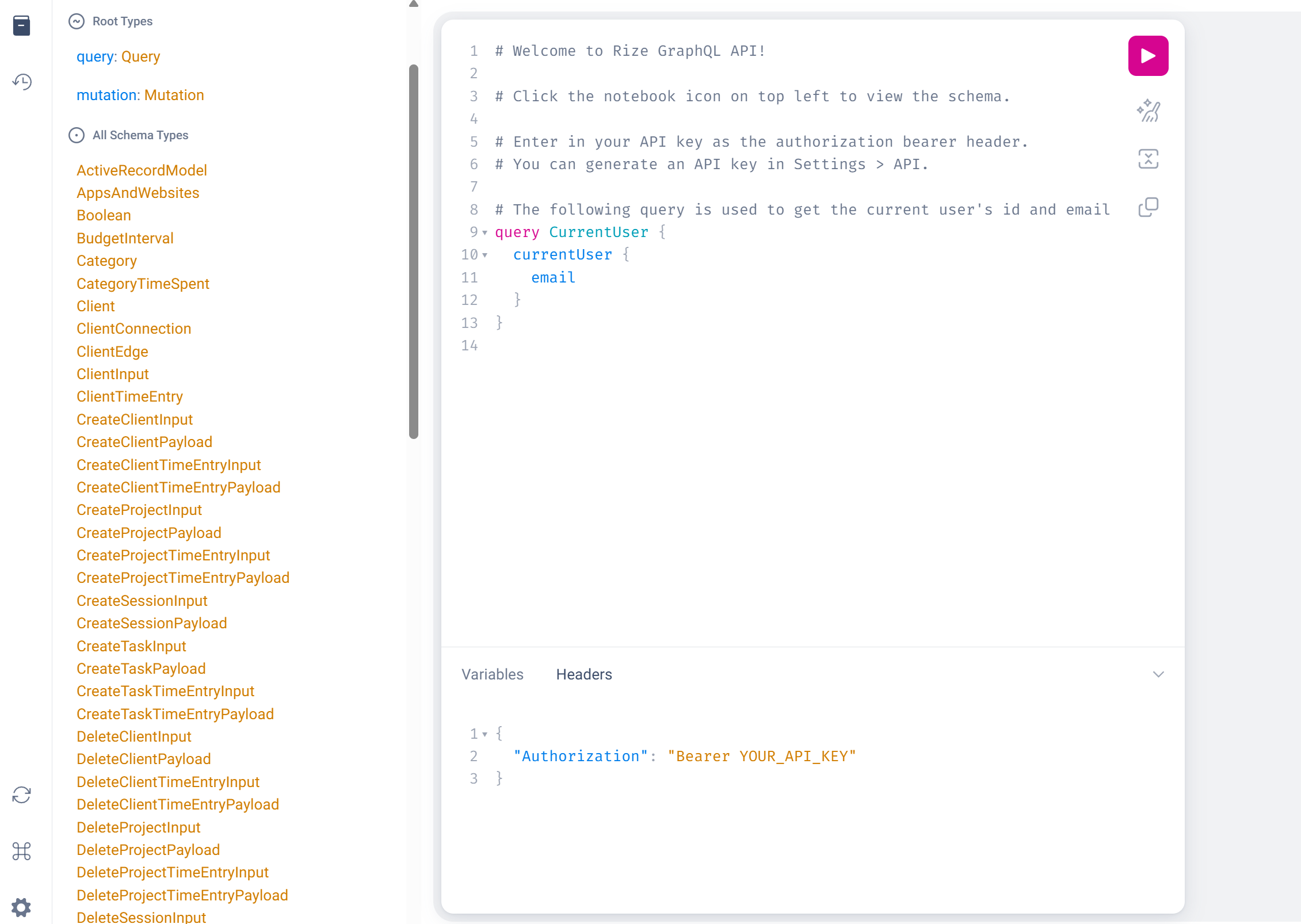
Accessing Rize's GraphQL API
Creating an Account
Rize signs users in with an emailed magic link; there is no password to set. To create a test account:
- Open app.rize.io/signup and enter an email address whose inbox you can read. Use a dedicated address for test data; Rize canonicalizes addresses, so
you+test@gmail.comresolves to the same account asyou@gmail.com. - Open the sign-in email from Rize and click the link. Links are single-use and expire, so request a new one if it has lapsed.
- Complete onboarding once. Every new account starts a 7-day trial with no credit card required. API keys, webhooks, and MCP require a Pro plan or higher; trial accounts have this access for the length of the trial.
Agents automating this step need access to the mailbox (an inbox they poll, or a user who forwards the link). The magic-link mutation used by the signup form is part of the private app API and is not covered by the public API contract, so drive the signup page rather than calling it directly.
Generating an API Key
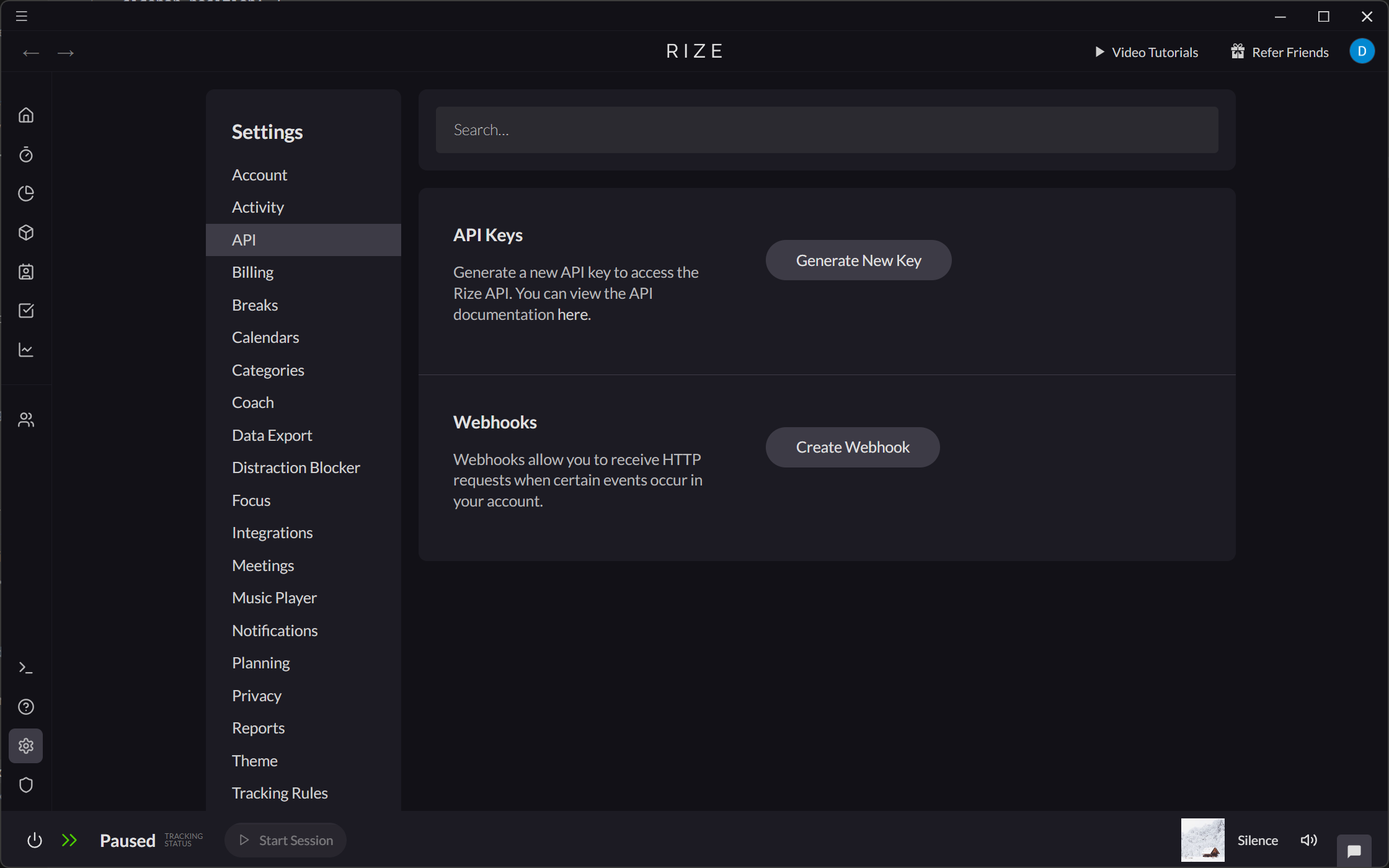
Rize uses API keys in the Authorization header for authentication. You can generate an API key in Settings > API.
You can also delete any API keys you have generated from here.
After generating an API Key, the key will be listed here, but it will only be displayed as a partially masked value.
Setting the Authorization Header
Add your API key to the Authorization Header in your POST requests to https://api.rize.io/api/v1/graphql.
{
	"Authorization": "Bearer YOUR_API_KEY"
}
Example
CURL request
curl -X POST https://api.rize.io/api/v1/graphql \
-H "Content-Type: application/json" \
-H "Authorization: Bearer YOUR_API_KEY" \
-d '{"query": "query CurrentUser { currentUser { email } }"}'
SuccessfulResponse
{"data":{"currentUser":{"email":"youremail@domain.com"}}}
You can try this from the GraphQL Playground at https://api.rize.io/api/v1/graphiql.
- Click the Headers tab and set your Authorization Header.
- Click the "Play" button to run the request.